Connectors
Airtable
Connect your Airtable bases to SurfSense
Airtable OAuth Integration Setup Guide
This guide walks you through setting up an Airtable OAuth integration for SurfSense.
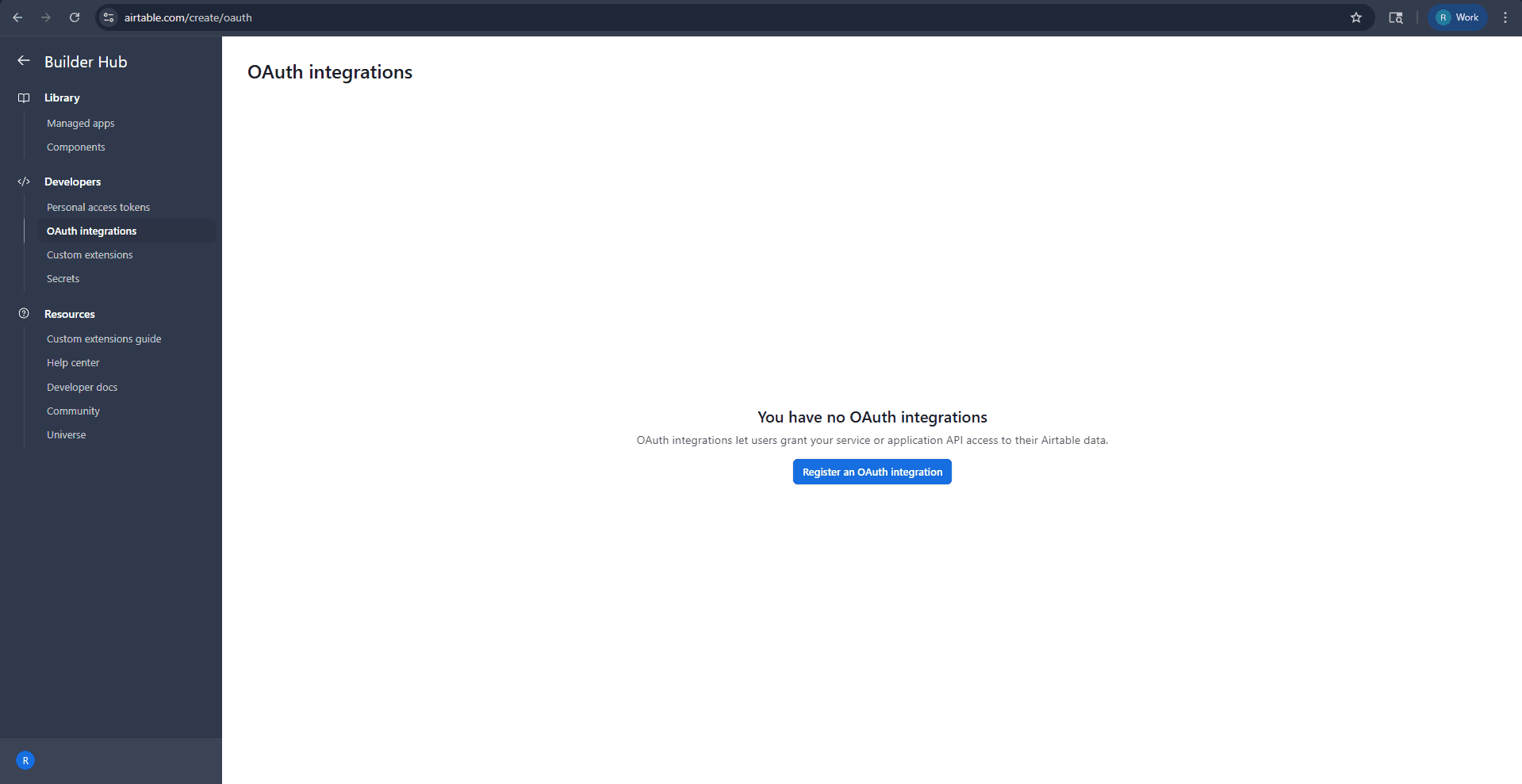
Step 1: Access Airtable OAuth Integrations
- Navigate to airtable.com/create/oauth
- In the Builder Hub, under Developers, click "OAuth integrations"
- Click "Register an OAuth integration"
Step 2: Register an Integration
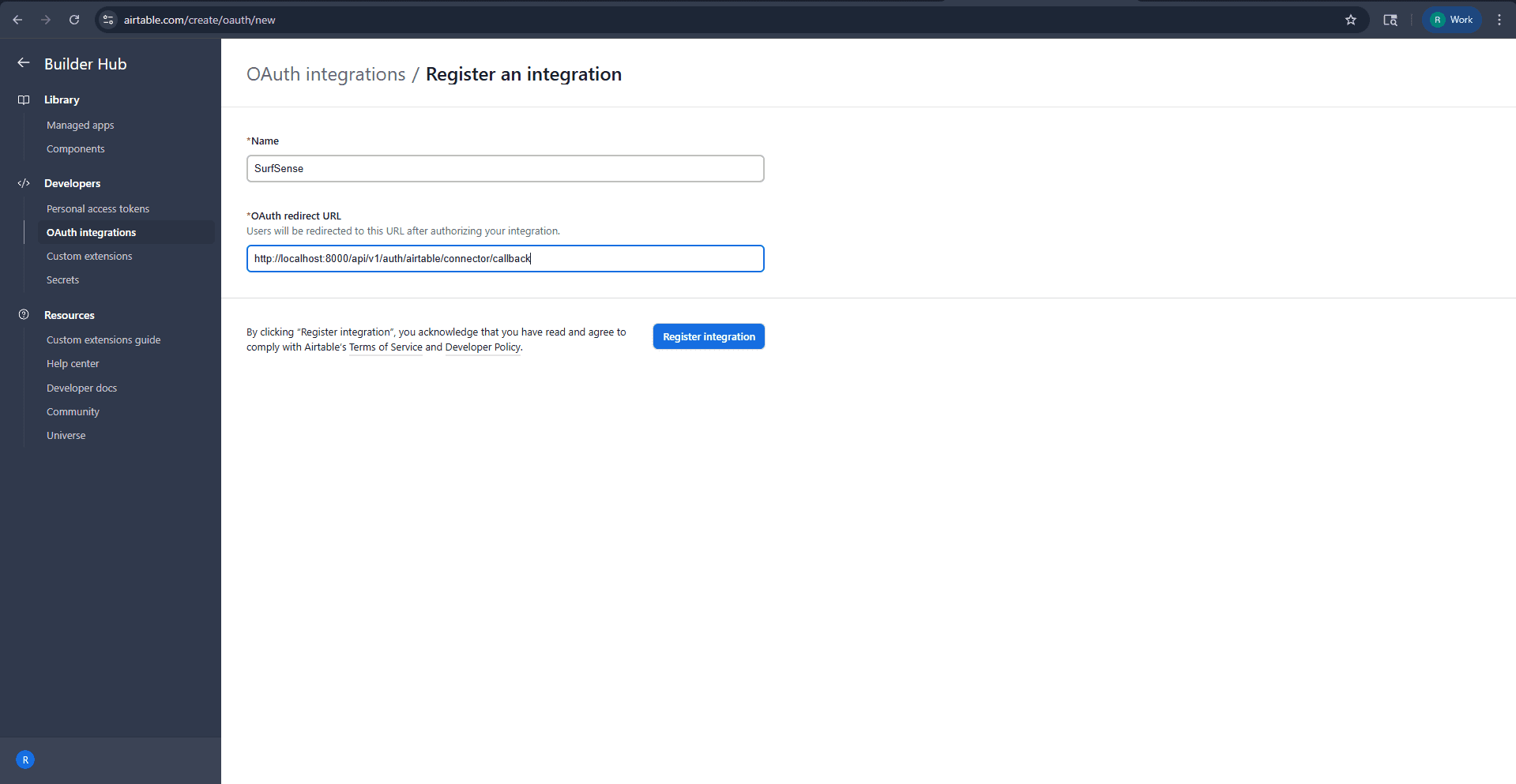
Fill in the basic integration details:
| Field | Value |
|---|---|
| Name | SurfSense |
| OAuth redirect URL | http://localhost:8000/api/v1/auth/airtable/connector/callback |
Click "Register integration"
Step 3: Configure Scopes
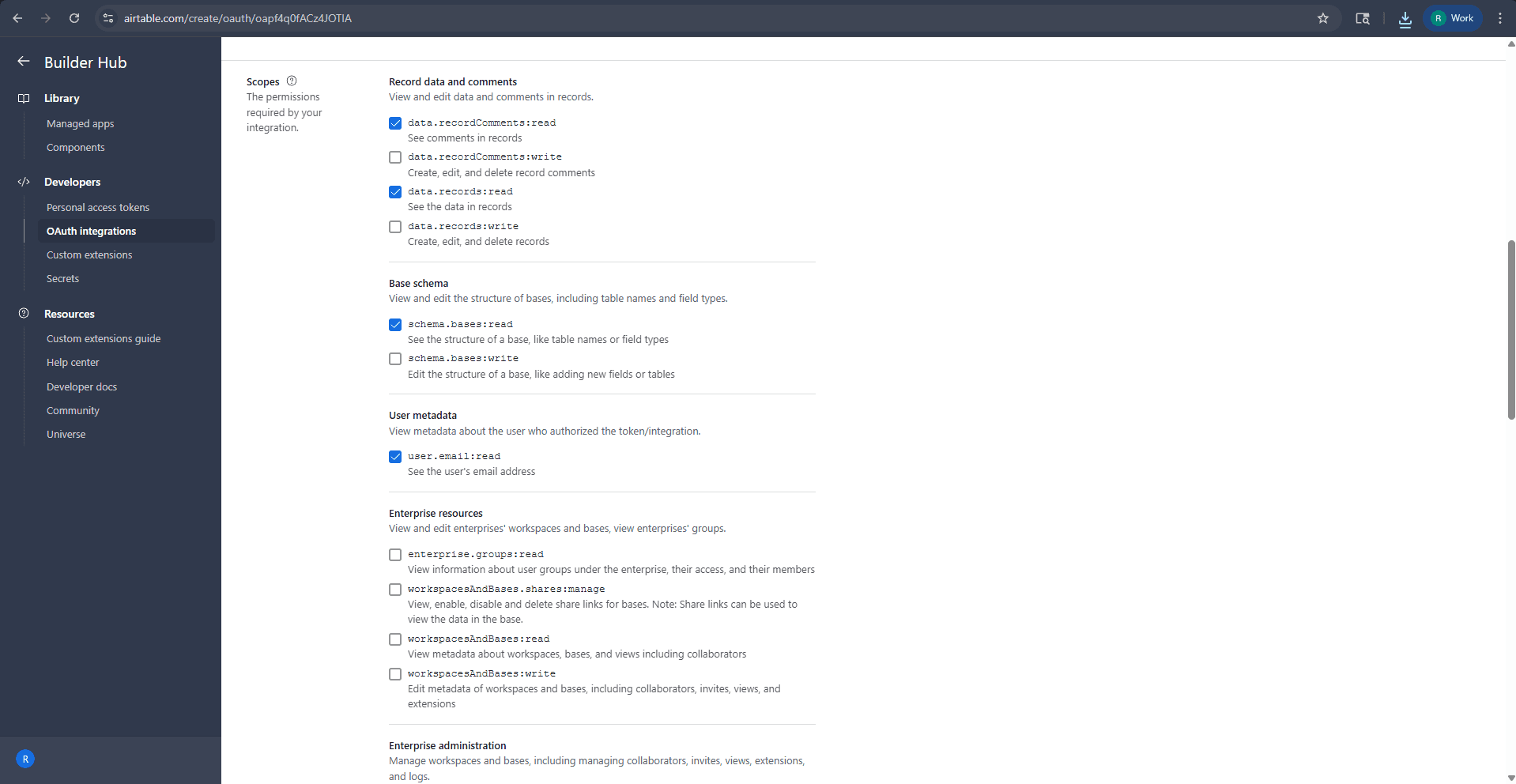
After registration, configure the required scopes (permissions) for your integration:
Record data and comments
| Scope | Description |
|---|---|
✅ data.recordComments:read | See comments in records |
✅ data.records:read | See the data in records |
Base schema
| Scope | Description |
|---|---|
✅ schema.bases:read | See the structure of a base, like table names or field types |
User metadata
| Scope | Description |
|---|---|
✅ user.email:read | See the user's email address |
Step 4: Configure Support Information
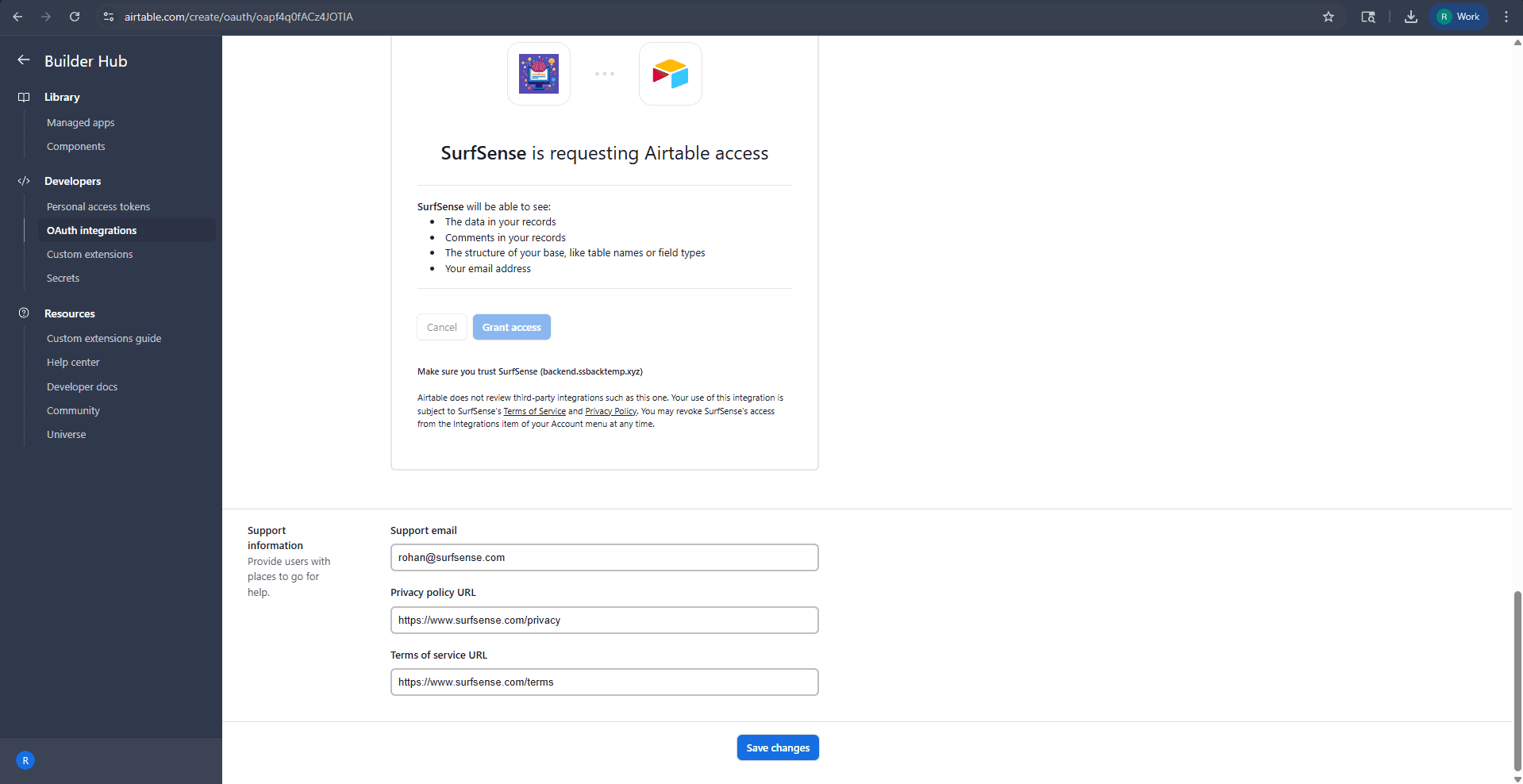
Scroll down to configure the support information and authorization preview:
| Field | Value |
|---|---|
| Support email | Your support email address |
| Privacy policy URL | Your privacy policy URL |
| Terms of service URL | Your terms of service URL |
The preview shows what users will see when authorizing SurfSense:
- The data in your records
- Comments in your records
- The structure of your base, like table names or field types
- Your email address
Click "Save changes"
Step 5: Get OAuth Credentials
After saving, you'll find your OAuth credentials on the integration page:
- Copy your Client ID
- Copy your Client Secret
⚠️ Never share your client secret publicly.
Running SurfSense with Airtable Connector
Add the Airtable environment variables to your Docker run command:
docker run -d -p 3000:3000 -p 8000:8000 \
  -v surfsense-data:/data \
  # Airtable Connector
  -e AIRTABLE_CLIENT_ID=your_airtable_client_id \
  -e AIRTABLE_CLIENT_SECRET=your_airtable_client_secret \
  -e AIRTABLE_REDIRECT_URI=http://localhost:8000/api/v1/auth/airtable/connector/callback \
  --name surfsense \
  --restart unless-stopped \
  ghcr.io/modsetter/surfsense:latest